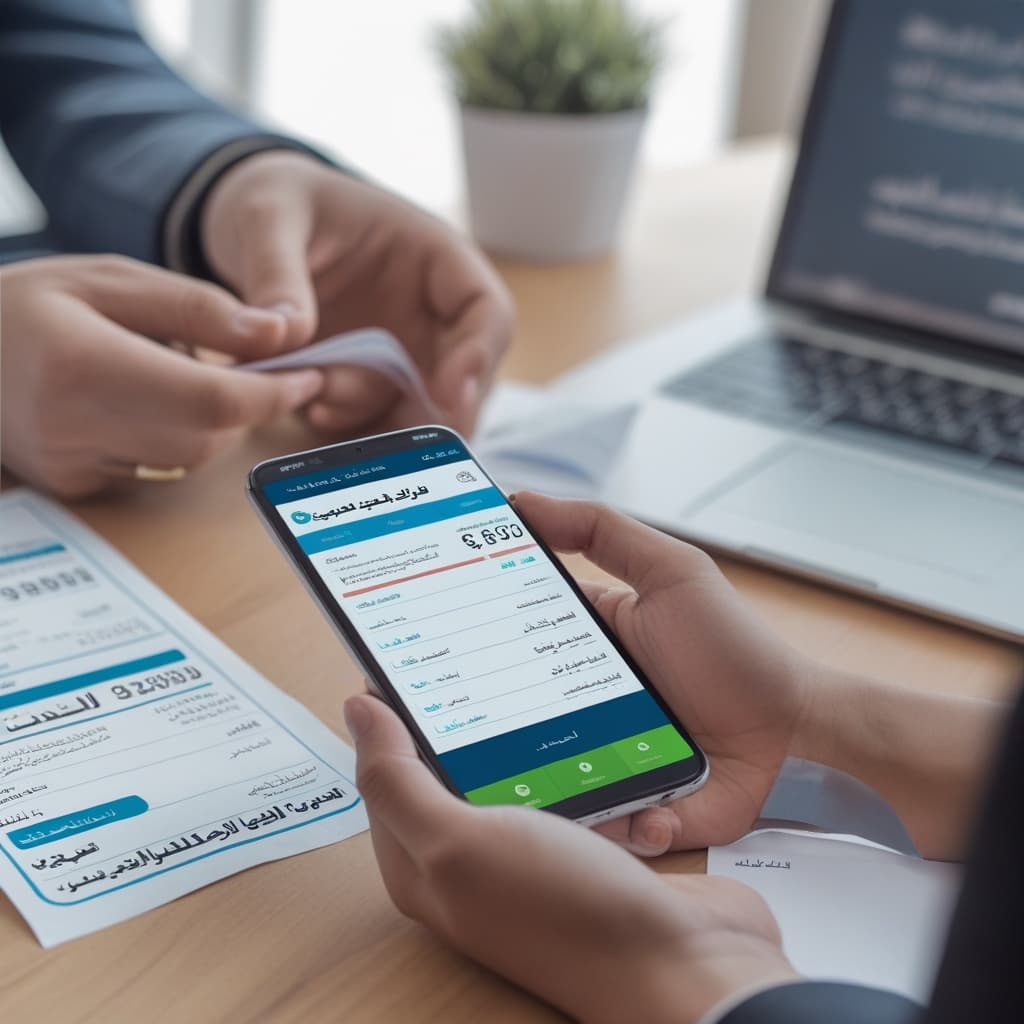
You've just returned from a business trip across Riyadh with a stack of receipts—some in Arabic, some in English, most with both. Now comes the dreaded part: manually typing every line item into your expense report while squinting at faded thermal paper and trying to decipher whether that number is a 5 or an S.
The Real Cost of Manual Expense Report Processing
Every finance professional in Saudi Arabia and Egypt knows this pain intimately. You're not just processing receipts—you're wrestling with bilingual documents that seem designed to frustrate data entry. A grocery receipt from Carrefour mixes English product names with Arabic descriptions and prices in both Western and Arabic-Eastern numerals. A restaurant bill from a local café uses Arabic headers but English menu items. A taxi receipt? Complete chaos.
The average employee spends 20-30 minutes per expense report, and accountants spend even longer verifying entries. According to Global Business Travel Association research, companies waste approximately $58 in labor costs to process a single expense report. For businesses handling hundreds of monthly submissions, this quickly becomes a significant operational burden.
Transforming Expense Processing Across MENA
Real impact across the MENA region and beyond
Regional Deployment
But the time waste is only part of the problem. Manual entry of mixed English-Arabic receipts leads to predictable errors: swapped digits (especially when mixing Arabic and Western numerals), mistranslated merchant names, incorrect date formats (DD/MM versus MM/DD), and missing line items. These errors create approval delays, reimbursement disputes, and audit nightmares. For Saudi businesses navigating ZATCA e-invoicing compliance requirements, accuracy isn't optional—it's mandatory.
The frustration compounds when you're on the go. You've just finished a client meeting in Cairo, grabbed the receipt, and want to log it immediately. But manual entry on a mobile phone? That's an exercise in patience you don't have time for.
Why Traditional OCR Falls Short with Arabic-English Documents
You might think, "There's OCR software for this, right?" Yes, but here's where most solutions fail spectacularly when confronted with mixed-language receipts common in MENA markets.
Traditional OCR tools were built for single-language documents with predictable layouts. They expect English text reading left-to-right, or Arabic text reading right-to-left, but not both simultaneously. When a receipt presents "Total المجموع 245.50 SAR" on a single line, these systems panic. They might read the line as "Total 245.50 SAR المجموع" or fragment it entirely, losing the context that ties the English label to its Arabic translation and the actual amount.
The number recognition problem is even worse. Arabic-Eastern numerals (٠١٢٣٤٥٦٧٨٩) and Western numerals (0123456789) often appear on the same document. A price might be written as "٢٤٥.٥٠" while the VAT number uses Western digits. Traditional OCR either fails to recognize Arabic numerals or confuses them with similar-looking Arabic letters. The result? Your 245.50 SAR lunch becomes 24,550 SAR in your expense system, and you're explaining to your manager why you apparently spent two months' salary on shawarma.
Desktop-only solutions create another barrier. When you're collecting receipts during business travel, you need mobile-first technology. Waiting until you're back at the office to scan documents means lost receipts, faded thermal paper, and that familiar sinking feeling when you realize you can't read the merchant name anymore.
The Solution: Mobile OCR for Mixed English-Arabic Receipts
Modern mobile OCR designed specifically for mixed language documents changes everything. The key difference? These systems don't just recognize text—they understand the bilingual context of MENA business documents.
The Time Difference Is Dramatic
See how raqmly transforms expense report processing
Manual Entry
Traditional workflow
With raqmly
Automated OCR workflow
Advanced mobile OCR for mixed English-Arabic receipts uses neural networks trained on thousands of real receipts from Saudi Arabia, Egypt, UAE, and other Arabic-speaking markets. The system learns that "Total" and "المجموع" mean the same thing, that they often appear together, and that the number following them is the amount you need to extract. It recognizes that merchant names might be "مطعم الرياض" or "Riyadh Restaurant" or both, and knows how to handle this data appropriately for expense claims.
The mobile-first architecture means you can scan receipts instantly after a transaction. Standing at the checkout counter? Snap a photo. In a taxi on the way to your next meeting? Capture that receipt. The processing happens in seconds, and crucially, it happens accurately. The system detects the receipt boundaries, handles poor lighting conditions, corrects perspective distortion, and processes both language scripts simultaneously.
What makes this particularly powerful for expense report automation is the structured data extraction. The OCR doesn't just convert the image to text—it identifies key fields: merchant name (in both languages if present), date, total amount, VAT amount, currency, payment method, and individual line items. This structured data feeds directly into expense management systems, eliminating the manual entry bottleneck entirely.
Security matters profoundly when processing financial documents. Enterprise-grade mobile OCR solutions encrypt data in transit and at rest, provide audit trails showing who accessed which documents, and comply with data residency requirements relevant to Saudi and Egyptian businesses. Your receipt data never becomes a liability.
How Mobile OCR Works for Bilingual Expense Processing
Let's walk through the actual process using a real-world scenario. You've just had a business lunch at a restaurant in Jeddah that caters to international clients, so their receipt is thoroughly bilingual.
How raqmly Processes Mixed Language Receipts
From receipt capture to expense system integration in 4 seamless steps
Instant Capture
Snap a photo of your receipt immediately after the transaction
Smart Recognition
Neural networks extract data from both languages simultaneously
Auto-Categorize
AI suggests expense category and learns from your patterns
Seamless Integration
Data flows directly into your expense management system
Step 1: Instant Capture
You open raqmly on your phone immediately after receiving the receipt. The app's camera interface automatically detects receipt boundaries and guides you to capture a clear image. No fumbling with crop tools or worrying about angles—the AI handles perspective correction. You snap the photo and the processing begins instantly, even if you're offline (syncing happens when you reconnect).
Step 2: Intelligent Recognition
The mobile OCR engine analyzes the image, detecting that this is a mixed English-Arabic receipt. It identifies text regions and classifies them by language. The system recognizes both "Total" and "الإجمالي" headers, understands that "٣٥٠.٠٠" and "350.00" represent the same amount, and correctly extracts:
Intelligent Data Extraction in Action
Watch how raqmly identifies and extracts every field from bilingual receipts
📅 15 November 2024 - 14:30
🧾 INV-2024-0158742
Merchant Recognition
Extracts both Arabic (مطعم المرجان) and English names, ensuring consistent data entry regardless of language
Line Item Detection
Captures individual items in both languages with accurate price matching, handling mixed text directions
Dual Numeral Systems
Recognizes both Arabic-Indic (٦٥.٠٠) and Western numerals (65.00), preventing transposition errors
VAT Extraction
Automatically identifies tax amounts and percentages for ZATCA compliance reporting
Total Amount Verification
Cross-validates total against line items to ensure 99.2% accuracy before submission
- Merchant: مطعم المرجان / Marjan Restaurant
- Date: 2024-11-15
- Total: 350.00 SAR
- VAT: 52.50 SAR (15%)
The receipt includes line items mixing languages—"Caesar Salad سلطة سيزر 45.00 SAR"—and the OCR captures everything accurately.
Step 3: Smart Categorization
Based on the merchant type and line items, the system auto-suggests the expense category: "Meals & Entertainment - Client Meeting." If you've processed receipts from this merchant before, it remembers your previous categorization choices. You can add a quick note ("Q4 proposal meeting with Ahmed") and assign it to a project code, all within 15 seconds.
Step 4: Seamless Integration
The structured data flows directly into your expense management system. No manual typing. No copy-paste errors. No confusion about whether that merchant name should be entered in Arabic or English (the system provides both). Your finance team receives clean, categorized expenses with attached receipt images, ready for approval.
Real-World Impact: A Day in Cairo
Consider Layla, a regional sales manager based in Cairo who previously spent Sunday evenings processing her weekly expenses. She traveled to three client meetings in one day, collecting receipts from a ride-sharing service (English receipt with Arabic driver name), a coffee shop (bilingual menu), and a business lunch at a restaurant serving traditional Egyptian cuisine (primarily Arabic with English prices).
Before using mobile OCR for mixed English-Arabic receipts, Layla would spend 45 minutes creating her expense report. She'd manually type merchant names (often inconsistently—was it "مقهى البلد" or should she transliterate it as "Maqha El Balad"?), struggle with date formats, and frequently transpose numbers when switching between Arabic and Western numerals. Her error rate? About three mistakes per ten receipts, leading to back-and-forth with accounting.
Now, with raqmly, Layla scans receipts immediately after each transaction. The entire process takes 30 seconds per receipt. By the time she's back at the office, her expenses are already submitted. Her Sunday evenings are free. The accuracy rate? 99.2%, with the system flagging the 0.8% uncertain extractions for quick human review. Her accounting team approves her submissions 3x faster because the data is clean, consistent, and complete.
The time savings multiply across an organization. A company with 50 employees submitting weekly expense reports saves approximately 1,875 hours annually—equivalent to nearly one full-time employee just from eliminating manual receipt entry.
Benefits Beyond Time Savings
Accuracy improvements directly impact your bottom line. When expense report automation reduces data entry errors, you eliminate overpayments from transposed numbers, prevent reimbursement disputes, and streamline audit processes. For Saudi businesses, accurate extraction of VAT amounts and merchant tax registration numbers supports ZATCA compliance requirements without additional manual verification.
The mobile-first approach addresses the reality of modern business travel. You're not always at a desk with a scanner when receipts arrive. Mobile OCR means you can process expenses in real-time: in taxi rides between meetings, waiting at airports, or during coffee breaks. This real-time processing eliminates the infamous "shoebox of receipts" that creates end-of-quarter panic.
Arabic receipt scanning with proper bilingual support solves a uniquely MENA challenge. Your expense data becomes consistent regardless of which language appears on the original receipt. Finance teams can run reports, analyze spending patterns, and identify vendor relationships without wrestling with mixed Arabic-English merchant names stored in seventeen different formats across your expense database.
Integration capabilities matter profoundly. Modern mobile OCR solutions don't operate in isolation—they connect with your existing expense management software, accounting systems, and ERP platforms. The receipt data flows seamlessly through your financial workflow, from capture to reimbursement to general ledger posting.
Getting Started with Automated Receipt Processing
Implementing mobile OCR for your expense workflow is simpler than you might expect. You don't need to replace your existing expense management system—you're adding an intelligent front-end that feeds clean data into whatever platform you already use.
For individual users submitting expense claims, the setup takes minutes. Download the mobile app, connect it to your expense system (or simply export the data), and start scanning. The AI learns your patterns quickly: your regular merchants, your typical expense categories, your project codes. Within a few submissions, the system is auto-filling most fields with exceptional accuracy.
For finance teams rolling this out across an organization, the change management is minimal because the system makes everyone's life easier. Employees appreciate spending less time on administrative tasks. Accountants appreciate receiving clean, structured data. Controllers appreciate the audit trail and compliance support. The ROI typically appears within the first quarter as processing time plummets and error-related costs disappear.
Stop Fighting with Bilingual Receipts
You didn't become a finance professional to spend hours squinting at faded receipts and typing numbers into spreadsheets. The technology exists today to automate this entirely, and it's specifically designed for the mixed English-Arabic documents common throughout Saudi Arabia, Egypt, and the broader MENA region.
Mobile OCR that genuinely handles mixed English-Arabic receipts for expense claims isn't just a convenience—it's a competitive advantage. While your competitors waste hours on manual data entry, your team focuses on strategic financial analysis. While they struggle with error-prone processes, you maintain clean, audit-ready records effortlessly.
Ready to reclaim those hours spent on expense report drudgery? Try raqmly free for 30 days—no credit card required. Start automating your expense reports today.